Little Streaks is a routines and rewards app for kids, for iPhone and iPad. Free to start, with up to two routines.

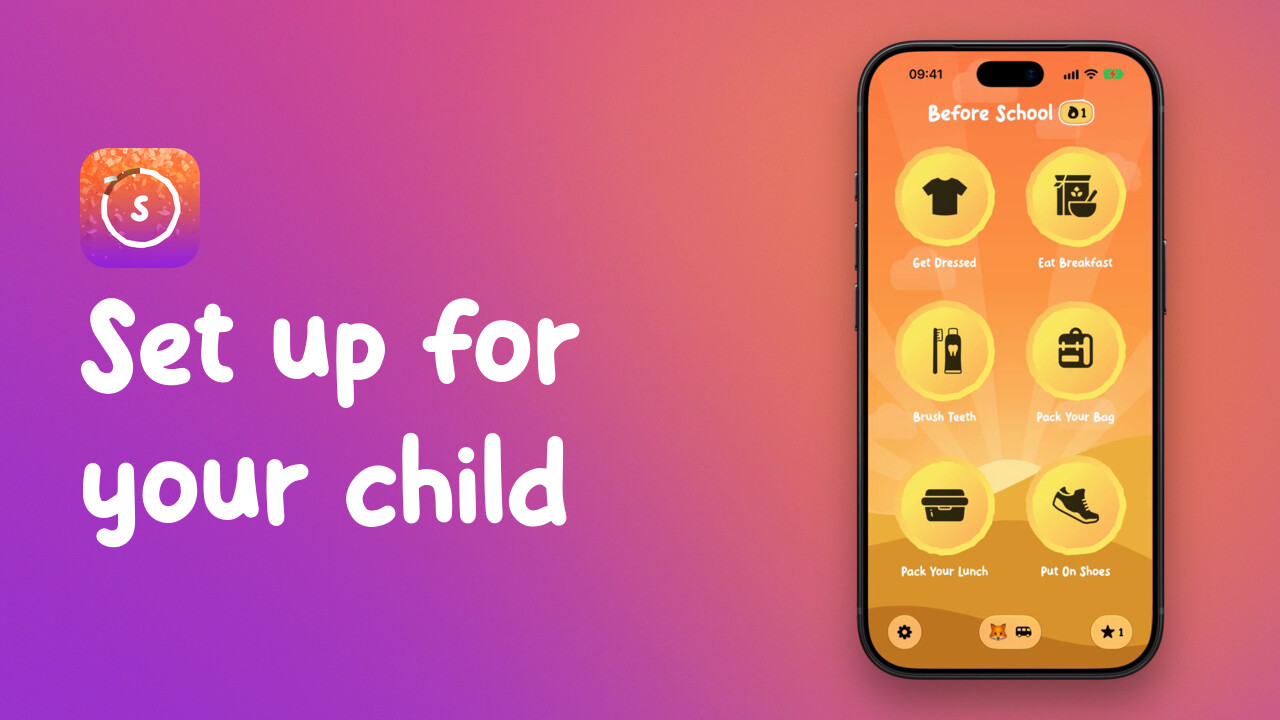 0:52Getting started: add your child and pick their first routineHow to add your child in Little Streaks, pick a first routine for their age, and see how they tick off a task.
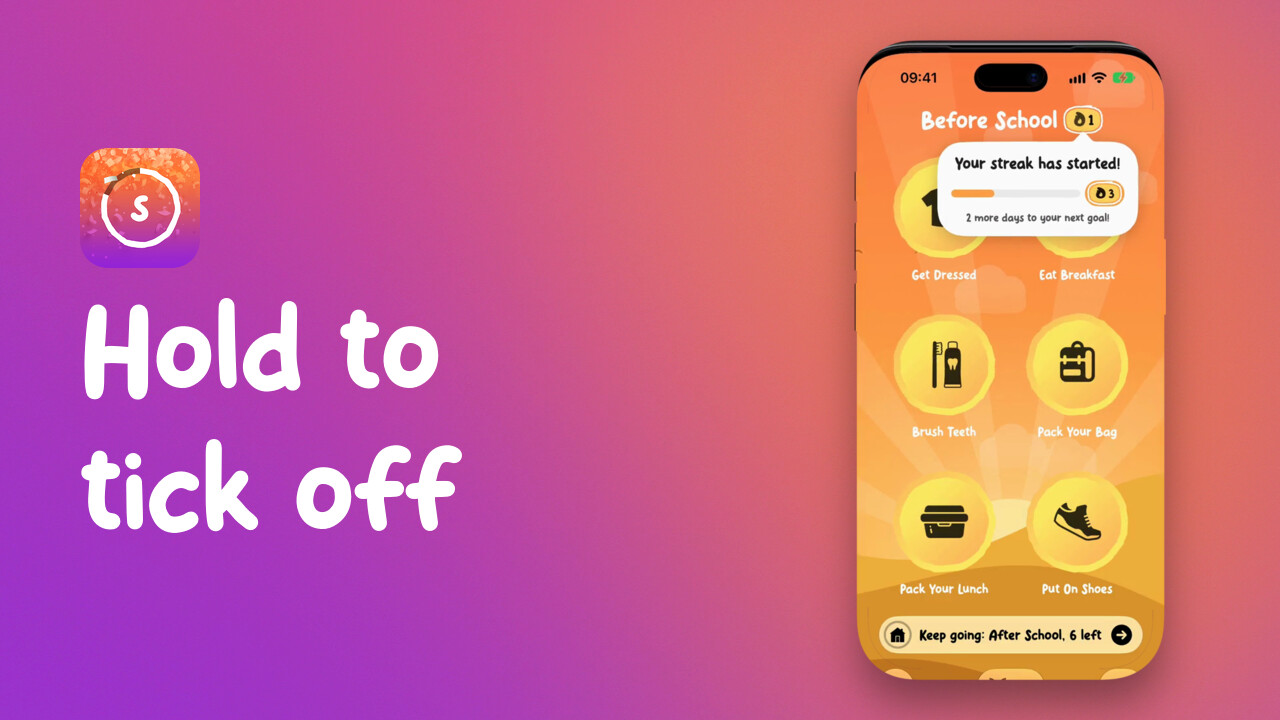 1:00How your child ticks off a routineHow a child ticks off the tasks in a Little Streaks routine by holding each one, what happens when the routine is finished, and how to undo a tick made by mistake.
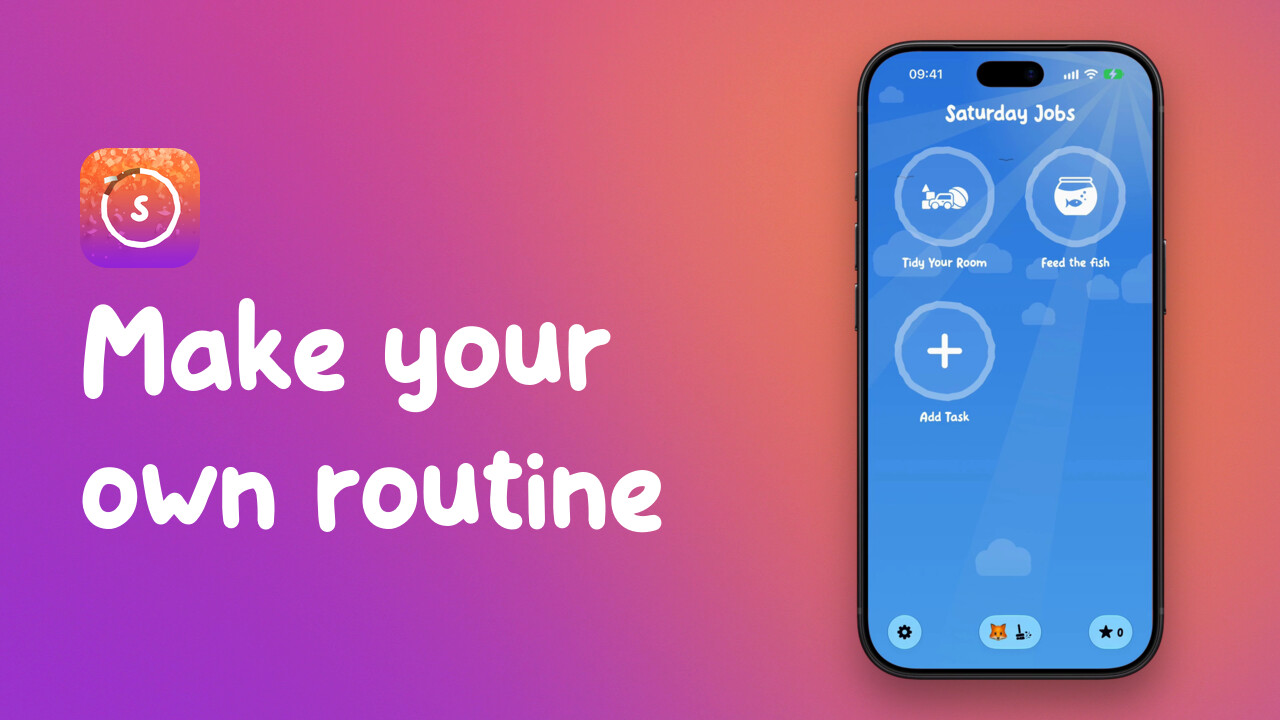 1:01Make your own routineHow to start an empty routine in Little Streaks, name it, and add tasks from the suggestions or by typing your own.
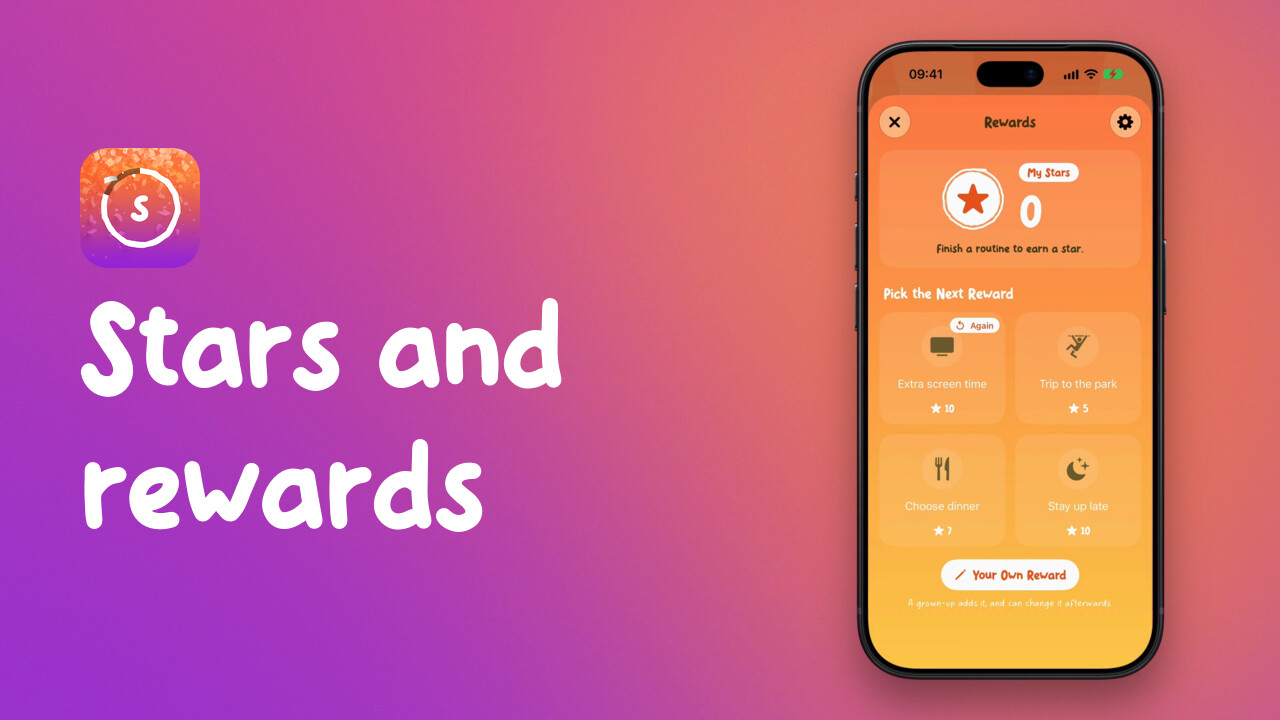 1:07Stars and rewards: set them up and approve oneHow to add a reward in Little Streaks, set how many stars it needs, and approve it when your child has saved enough.
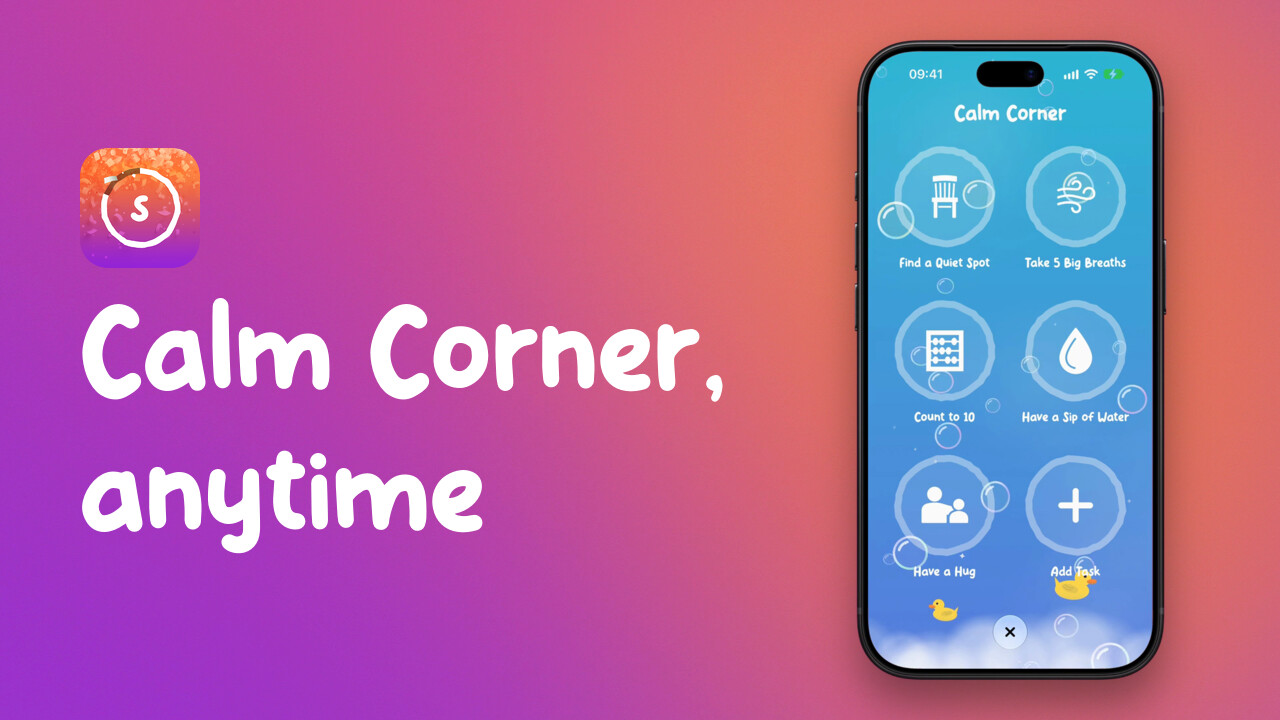 1:15Add an Anytime routine: Calm CornerHow to add an Anytime routine such as Calm Corner in Little Streaks, and how your child starts it whenever it's needed.
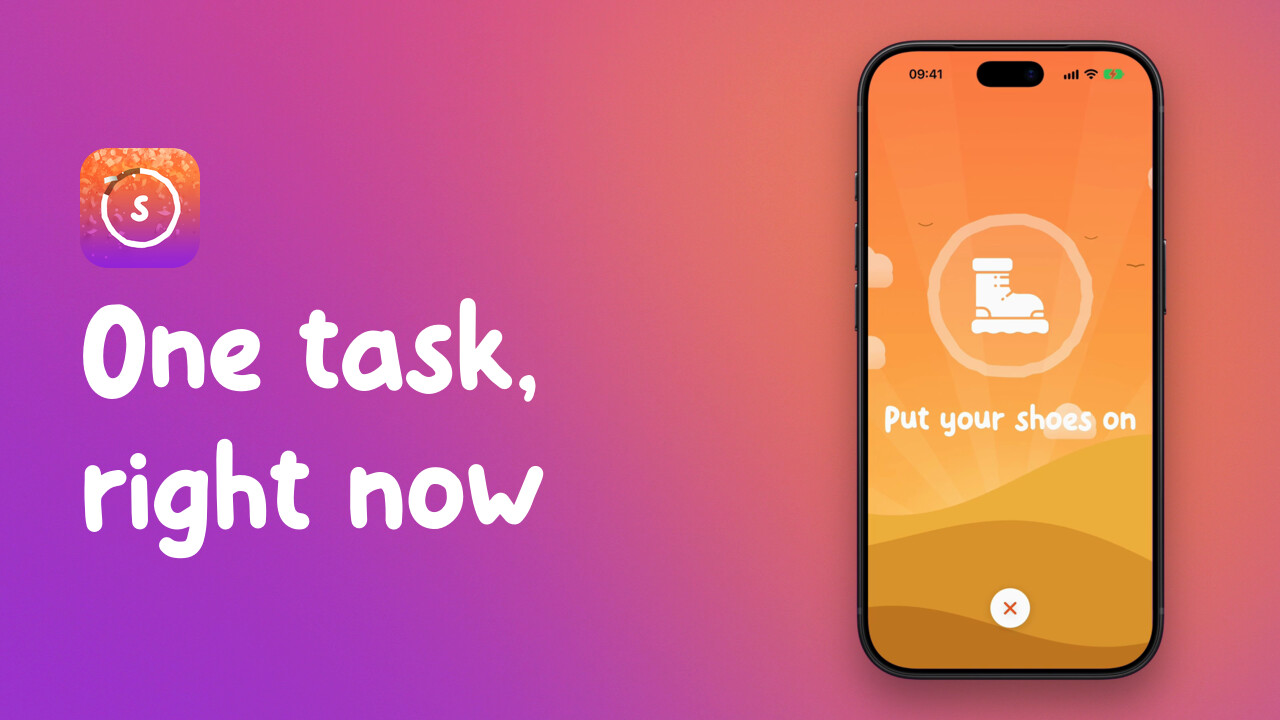 0:33Give your child a Side QuestHow to start a Side Quest in Little Streaks: one task made up on the spot, like putting shoes on, with a star when it's done.
Each video is on the help page it belongs to, with its transcript. For everything else, see Support.