Routines kids want to finish.

Before school, homework, chores and bedtime. Each routine is a short list your child ticks off themselves, with a celebration for every task and stars they save up for rewards you choose.

Download on the App Store

Free for iPhone and iPad. From the makers of Streaks, winner of an Apple Design Award.

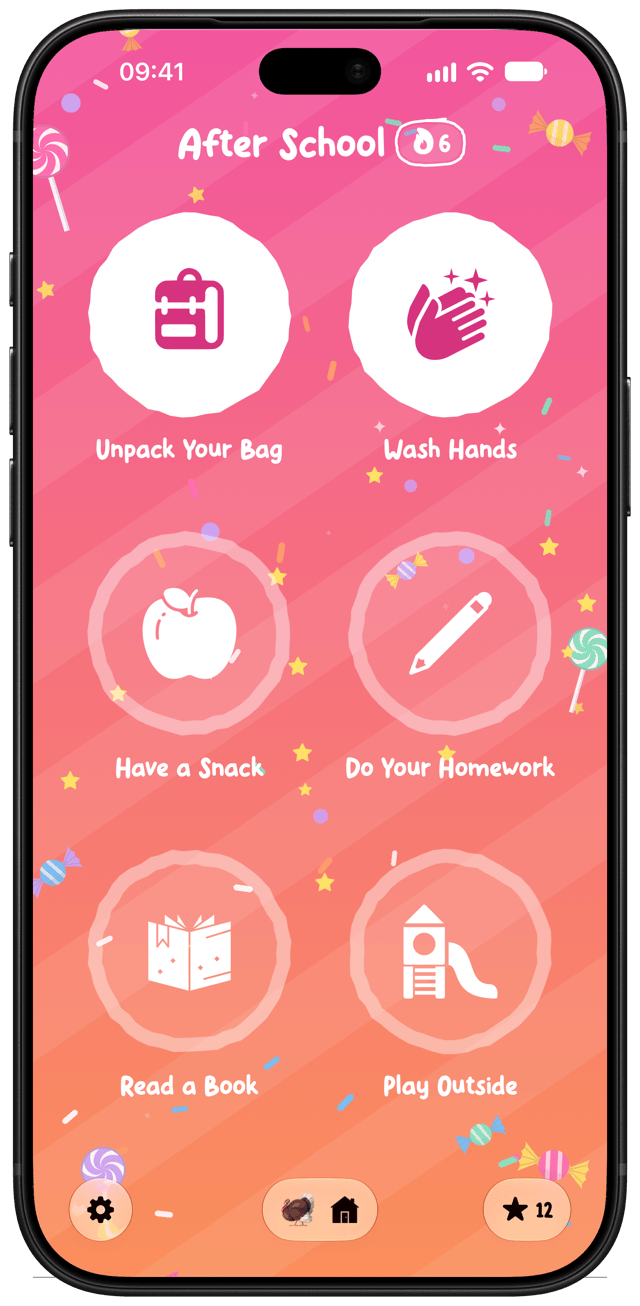
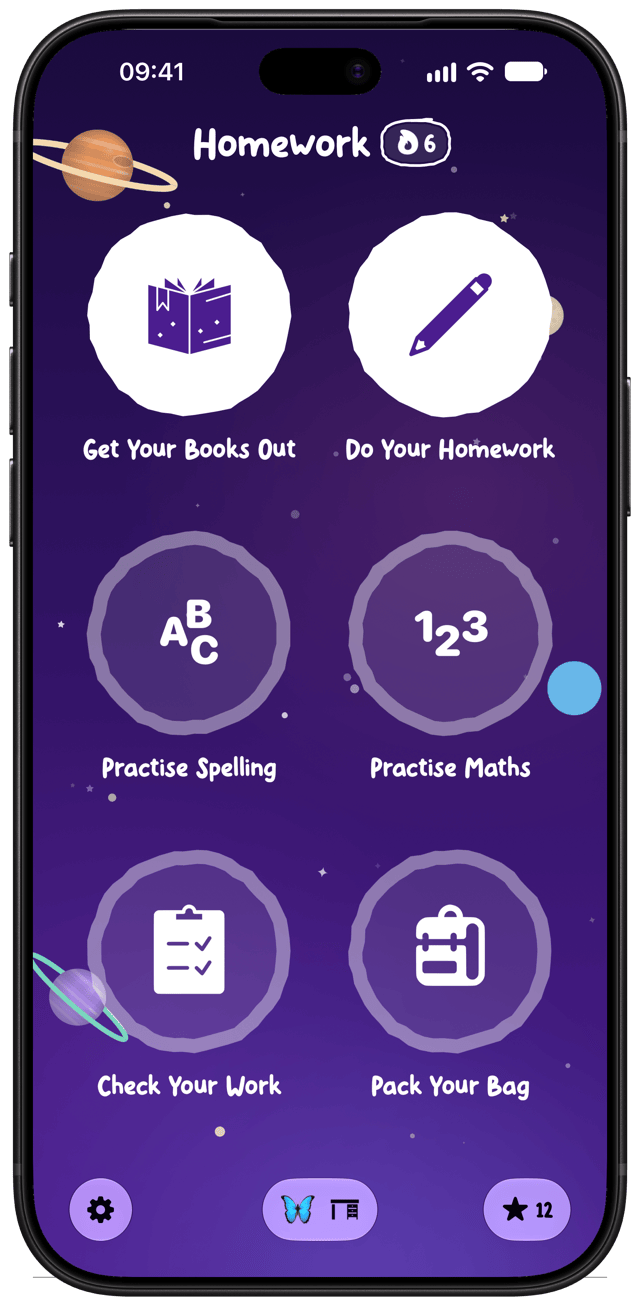
A Homework routine in Little Streaks, with six tasks to tick off An After School routine with a candy-coloured scene
How it works

Small steps, big smiles.

Designed for children aged about 4 to 10: old enough to run their own routines, and still young enough to love a star chart.

Pick a routine

Choose a ready-made routine or make your own, with up to 6 tasks, each with its own icon.

Hold to tick it off

Your child holds each task to tick it off, with a celebration every time and a big finale at the end.

Earn a star

Every finished routine earns a star, and their streak grows towards the next goal.

Save up for rewards

You choose the rewards. When your child has enough stars they ask for one, and you approve it.

Scenes

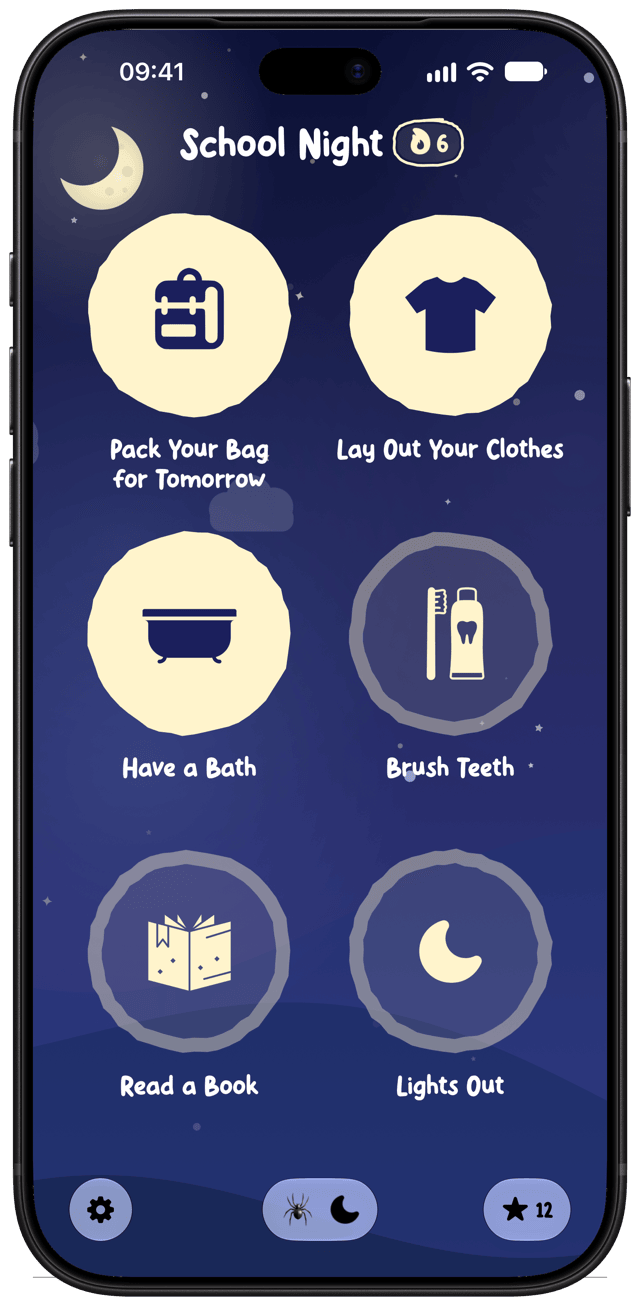
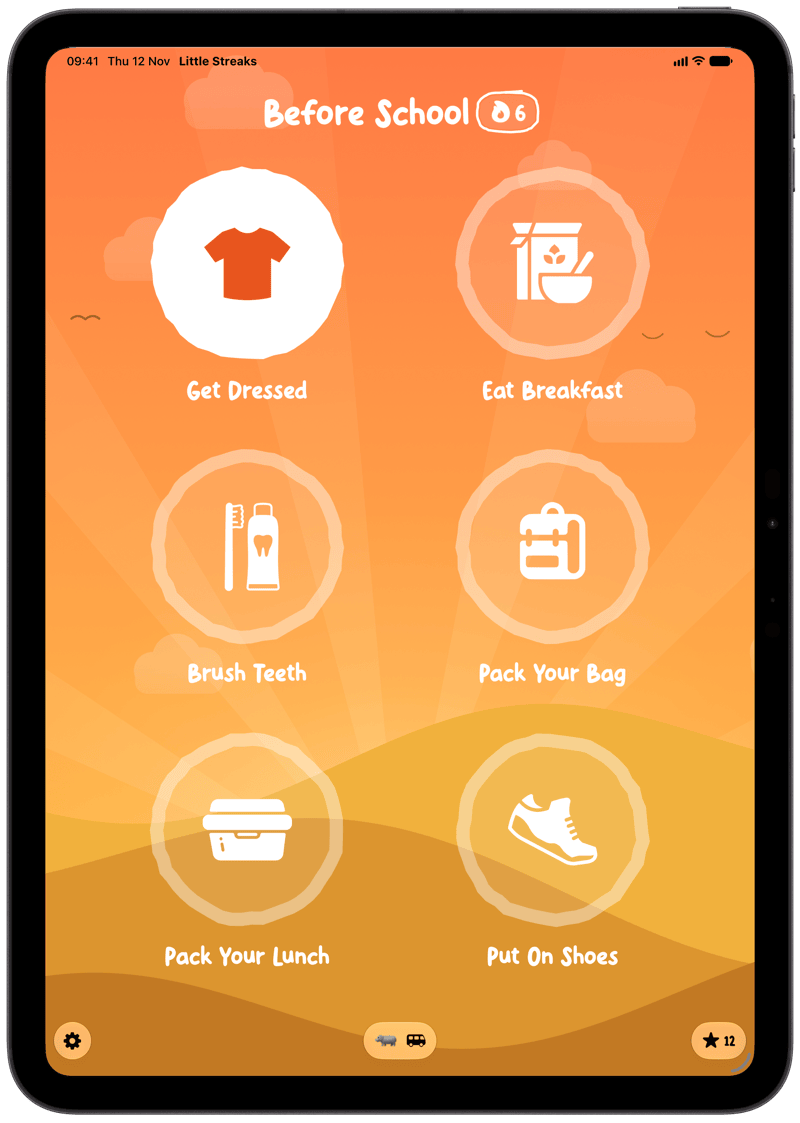
Every routine has its own moving scene.

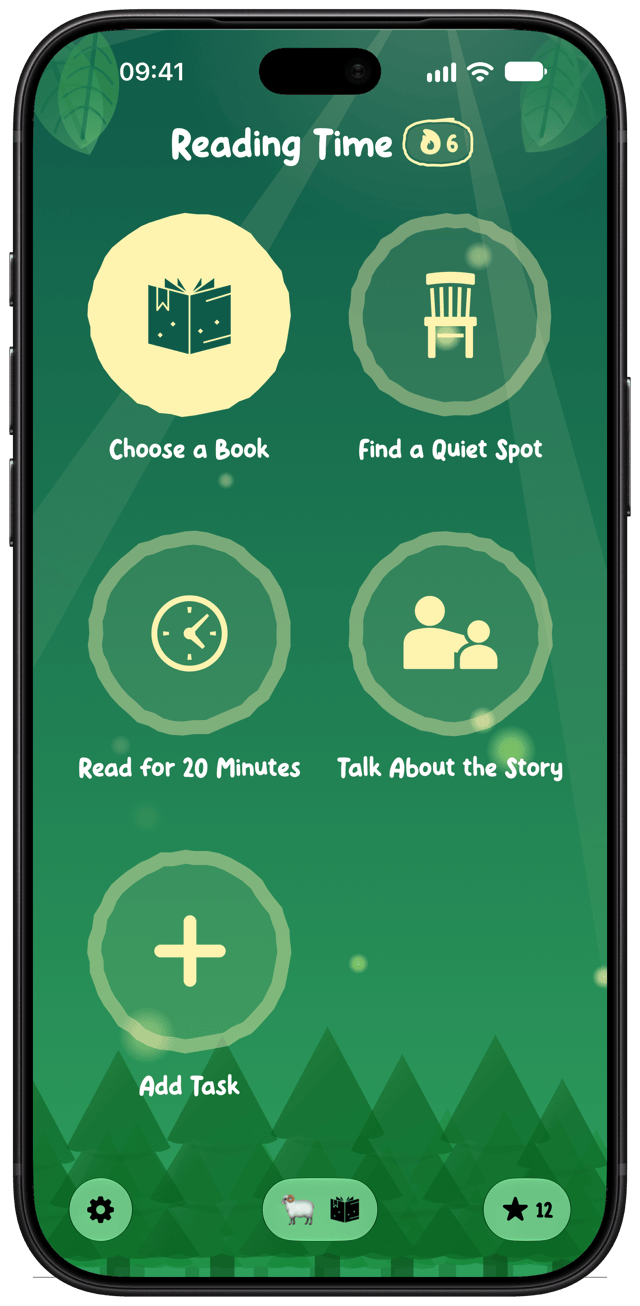
A sunrise for the morning, a night sky for bedtime, a forest for reading time, outer space and more. Choose from 14 scenes and 16 fonts.
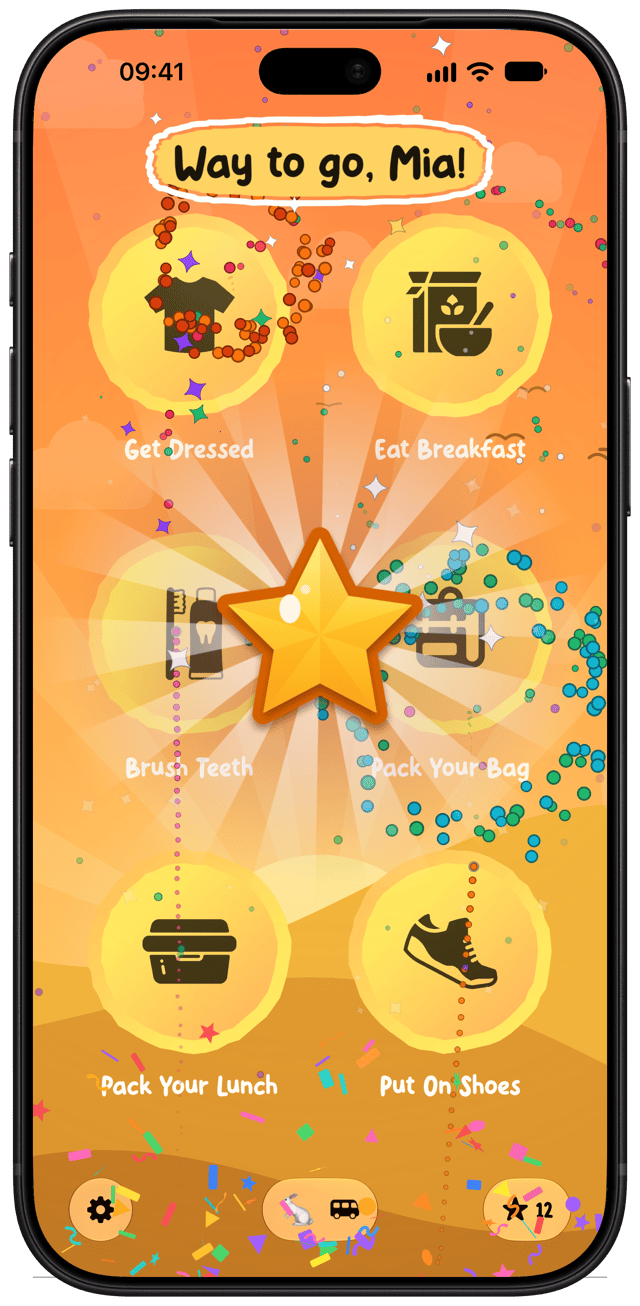
A gold star and confetti after finishing the Before School routine
Celebrations

A celebration for every task.

Every tick gets a little party, with sound effects, and finishing the whole routine gets a big one. Pick from 22 celebrations, including rockets, dinosaurs, unicorns and fireworks.

  • Choose one celebration, or let Little Streaks match the scene.
  • Pick several and get a surprise each time.
  • A short hands-on tutorial lets your child practise before they start.
Stars and rewards

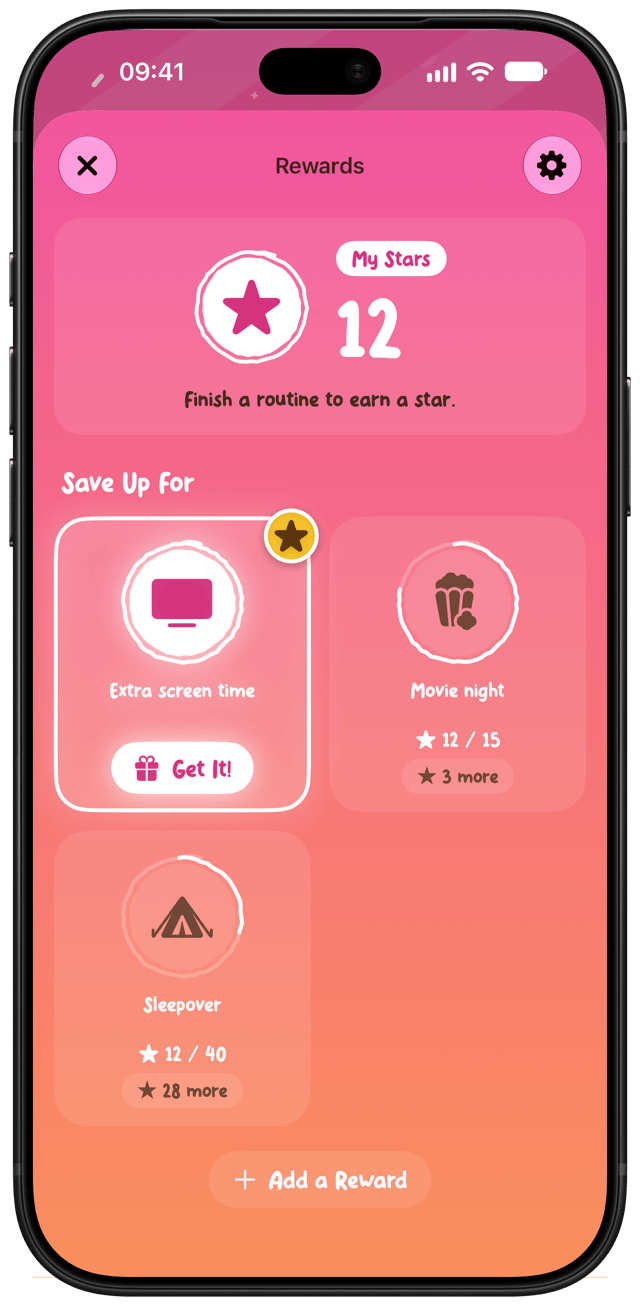
Stars add up to rewards you choose.

15 minutes of screen time, choosing dinner, a trip to the park. Your child saves up their stars and asks for a reward when they have enough, and you approve it.
  • Every finished routine earns a star.
  • Your child sees their streak growing towards the next goal.
  • You decide what each reward costs.
The Rewards screen, with stars saved up towards extra screen time, movie night and a sleepover
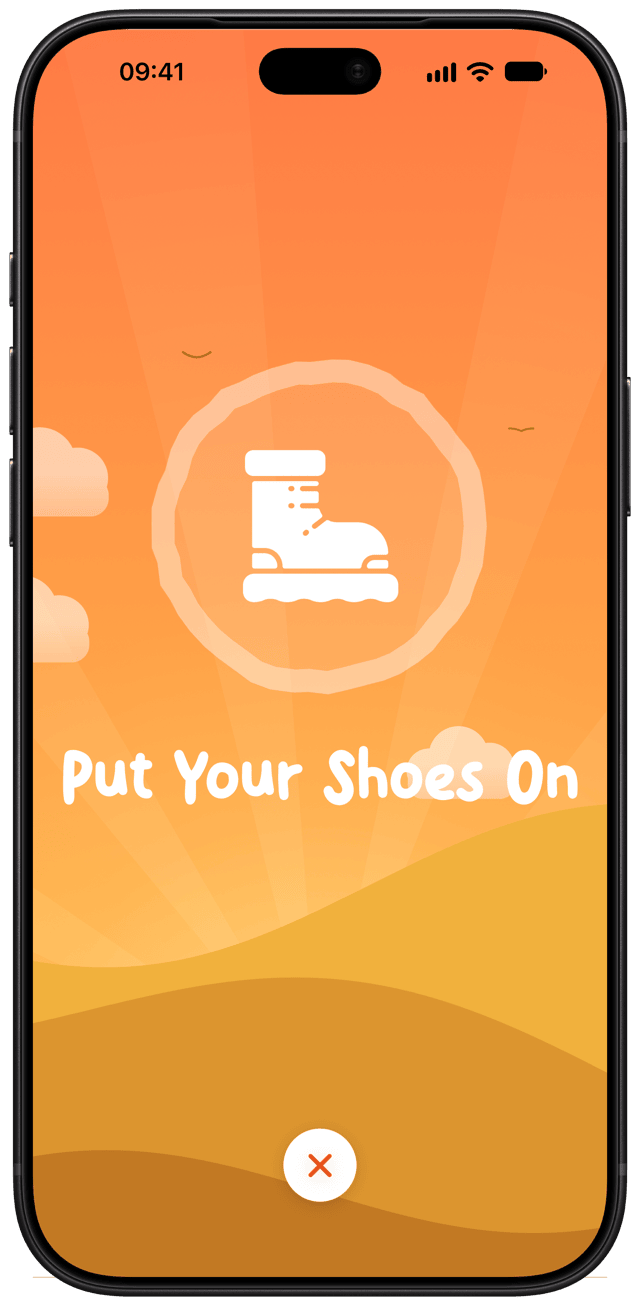
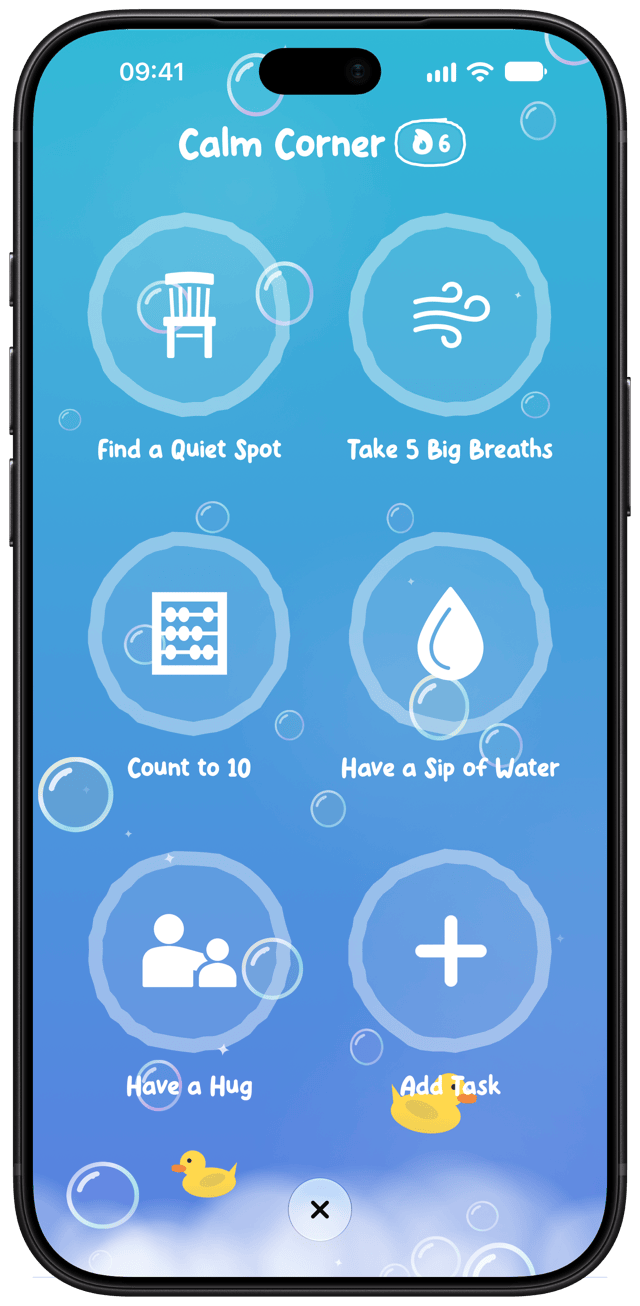
The Calm Corner routine, with five steps to settle big feelings in a bubbles scene A Side Quest with one big task, Put Your Shoes On
Anytime routines and Side Quests

For the moments that aren't every day.

Some routines are only needed now and then, like calming down after big feelings or getting out the door. Anytime routines wait until you need them, and a Side Quest turns one job into a task on the spot.

  • Calm Corner, Out the Door and Toilet Training are ready to go, or make any routine Anytime.
  • Never missed on the days they aren't needed: no streak and no reminders.
  • When one's finished, you decide whether it earns a star.
  • A Side Quest is one task you name, like "Put your shoes on", with the star chosen up front.
Built for school days

Ready-made routines to get you started.

Filter them by age, and change any routine to suit your family.

And routines for younger children too, like Toilet Training, Get Dressed and Learn to Ride, plus Anytime routines like Calm Corner.

See all 31 routines and their tasks in the Routine Library

For parents and kids together

Your child runs it. You stay in charge.

Less nagging. More independence. Your child ticks off their own routine, and the grown-up things stay with you. How the grown-up check works.
Grown-up checkSettings, editing and rewards sit behind a grown-up check, so your child can use the app on their own.
Make it theirsChoose each routine's scene, icon and font.
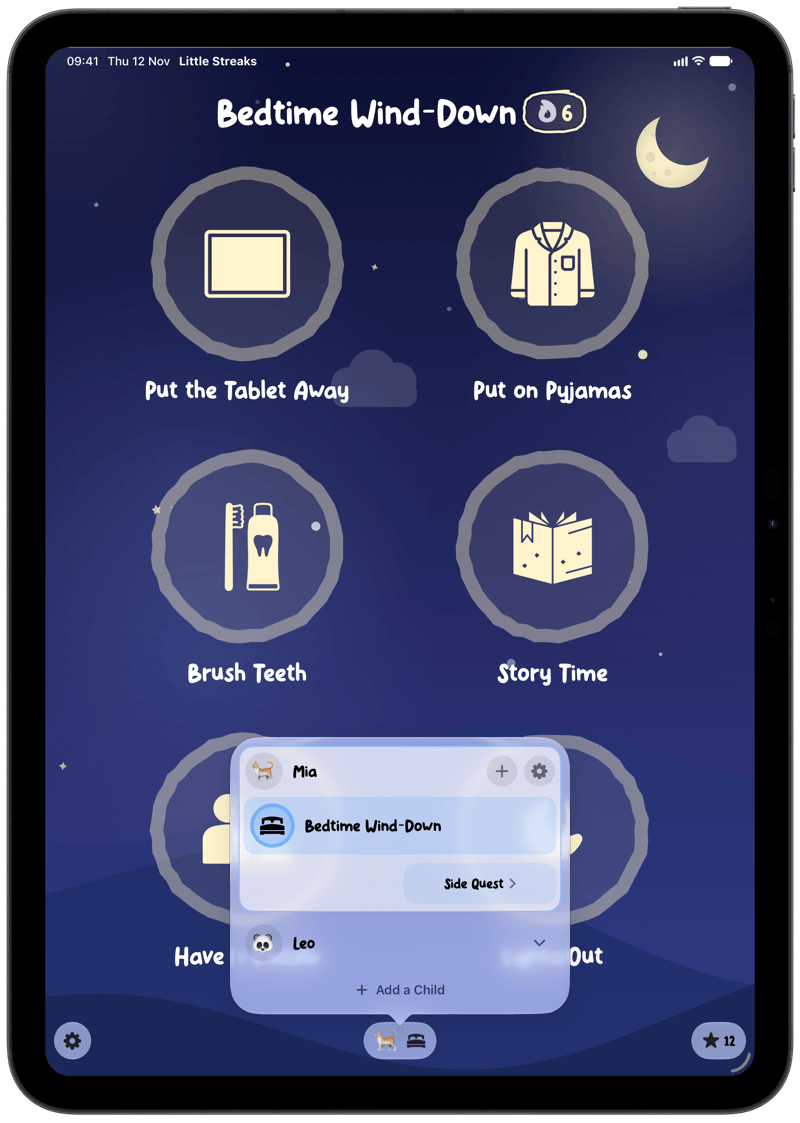
The whole familyGive each child their own routines, stars and rewards, and switch between them in a tap.
Share with a grown-upShare your family with another parent through iCloud, so you both see the same children, routines and stars.
WidgetsHome Screen widgets show a child's routine, their stars and more, and Shortcuts can mark tasks done.
Routines by ageFilter the ready-made routines for under 5s, 5 to 7s or 8 and up.
RemindersA daily reminder for each routine, with Little Streaks Family.
HistorySee this month and last, fix a day, and mark sick days or holidays as rest days so streaks keep going.
iPhone and iPadLittle Streaks works on iPhone and iPad, and syncs between them with iCloud.
A Before School routine on iPad Switching between children on iPad
Pricing

Free to start. Family when you need it.

Little Streaks

Free

  • One child
  • Up to two routines
  • One reward

Little Streaks Family

Monthly or yearly, with a free 1-week trial

  • Unlimited children, routines and rewards
  • A daily reminder for each routine
  • History, with rest days for sick days and holidays
  • Family Sharing included

Payment is charged to your Apple Account. Subscriptions renew automatically unless cancelled at least 24 hours before the end of the current period. You can manage or cancel a subscription in your App Store account settings. See our Terms of Use and Privacy Policy.
Get Little Streaks.

Routines kids want to finish. Free for iPhone and iPad.

Download on the App Store